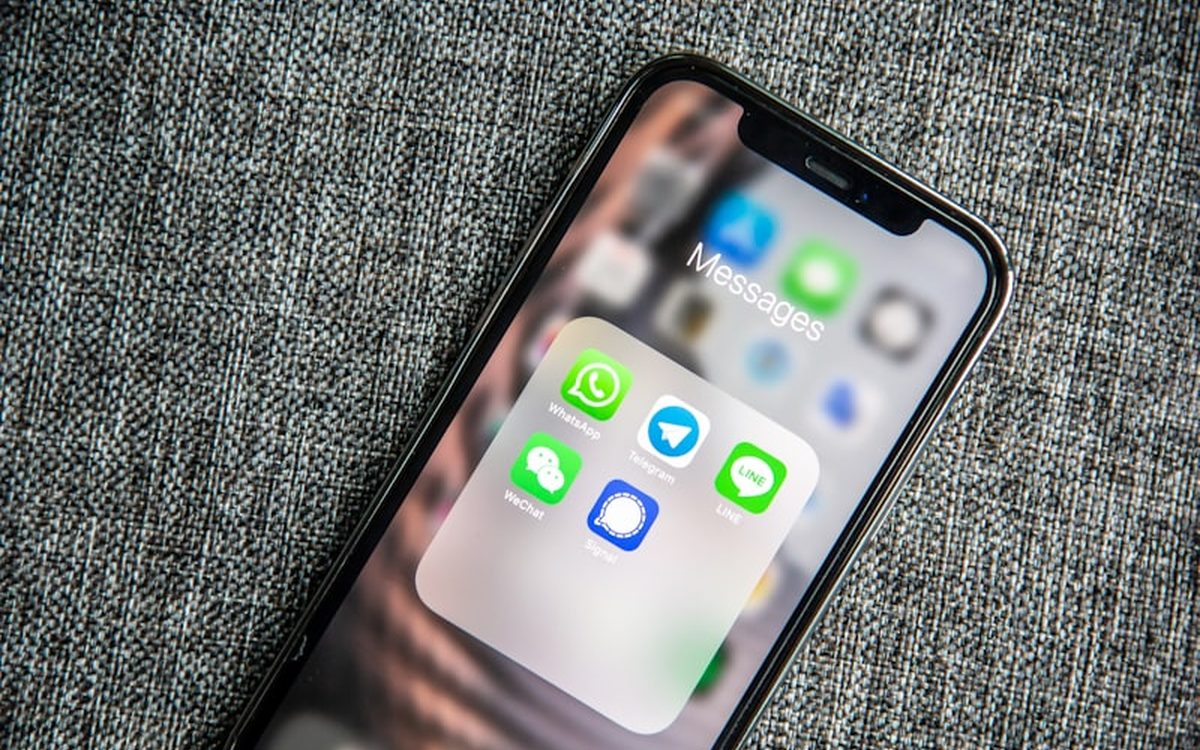
WhatsApp is where your clients already live, which makes it the most valuable channel a travel agency has. Done by hand, it is also a time sink: the same itinerary-ready message, the same payment reminder, the same trip wishes, typed again and again. WhatsApp automation for travel agencies fixes that, letting you send the right message at the right moment without the manual grind. This guide covers what you can safely automate, the templates worth setting up, and how to do it without risking your number.
What you can and cannot automate
Automation on WhatsApp works best for the predictable, repetitive moments, not for genuine conversation. The line is simple. Automate the messages that are the same every time and triggered by an event, such as a booking confirmation or a payment reminder. Keep the real back-and-forth, the questions about hotels and the negotiation, human. The goal is not to turn WhatsApp into a robot. It is to let the robot handle the typing so you handle the relationship.
The official API versus WhatsApp Web
There are two ways to send WhatsApp from software, and the difference matters for automation. The official Cloud API is built for business messaging, supports approved templates you can send proactively, and carries no ban risk when used properly. The WhatsApp Web (QR) method drives your existing number and sets up in minutes, but it is unofficial, so heavy automation can get a number flagged. For a quick, honest comparison of both, see our guide to WhatsApp for travel agencies. In short: light automation on a dedicated number suits Web, while serious automation belongs on the Cloud API.
Templates worth setting up
A handful of templates cover most of what a travel agency sends. Build these once and reuse them on every booking:
- Enquiry reply: an instant "thanks, we are on it" so nobody waits for a first response.
- Itinerary ready: "Your Kashmir plan is ready, here is the day-by-day," with the PDF attached.
- Quote sent: a short note pointing to the proposal and how to confirm.
- Payment reminder: a friendly nudge with the amount, due date and payment link.
- Trip wishes: a warm message a day before departure with final details.
- Post-trip thanks: a thank-you and a gentle review request after they return.
Six templates, set up in an afternoon, can carry a client from first enquiry to glowing review with almost no retyping.
Keep it personal, not spammy
Automated does not have to mean robotic. The templates that work read like a real person wrote them, because one did. Use the client's name, reference their actual trip, and keep the tone the one you would use yourself. "Hi Rohan, your Gulmarg day is set for the 14th, here is everything you need" lands warmly. A generic blast does not. Personalisation is the difference between a message people welcome and one they mute.
Variety helps as well. If every client gets word-for-word identical messages, the ones who know each other notice. Keep a couple of versions of each template and let them rotate, so your automation reads like a busy, attentive agency rather than a single recorded line played on a loop.
A good rule: if a template would embarrass you to receive, rewrite it. Automation should sound like your best staff member on a good day, never like a machine.
Stay inside the rules to avoid bans
Automation is powerful, which is exactly why it needs discipline. A few habits keep your number safe:
- Message people who expect you. A fresh enquiry is a welcome contact. A cold purchased list is how numbers get banned.
- Keep volumes natural, especially on the Web method. Sudden blasts to many new numbers are the fastest red flag.
- Use a dedicated business number, separate from your personal phone.
- Honour opt-outs instantly. If someone says stop, stop. It protects your reputation and your number.
- Keep templates genuinely useful, not promotional spam.
Follow these and automation is an asset. Ignore them and it becomes a liability.
Connect WhatsApp to your CRM
Automation on its own is only half the win. The real value comes when WhatsApp is tied to your CRM, so every message links to the right booking. When the payment reminder goes out, it knows the amount and the due date because it reads them from the invoice. When a client replies, the whole team sees it against their lead, not trapped on one phone. This is what turns WhatsApp from a chat app into part of how the agency runs. Our overview of the travel agency CRM shows how the pieces connect.
Measure response and conversion
Once your templates are live, watch the numbers that matter. How fast do first replies go out now? How many quotes get a response after an automated nudge? How many balances get paid on the first reminder? You do not need a dashboard full of vanity metrics. You need to know that automation is moving the two things that pay the bills: response speed and conversion. If a template is not pulling its weight, tweak the wording or the timing.
A starter template set
If you want to begin today, set up these five and you will feel the difference within a week:
- Instant enquiry acknowledgement.
- Itinerary-ready message with PDF.
- Payment reminder with link and due date.
- Pre-departure details and good wishes.
- Post-trip thank-you and review request.
Each one removes a repetitive task and makes the client feel looked after. Start there, see what lands, and add more as you go. For the marketing side of WhatsApp, our guide to WhatsApp marketing for travel agencies is a useful companion.
Put the repetitive stuff on autopilot
WhatsApp automation is not about replacing the human touch. It is about removing the typing so you have more time for the conversations that actually need you. Set up a handful of personal, useful templates, keep your sending honest, and tie it all to your bookings. See how WhatsApp fits into the travel agency CRM, or book a demo and watch a booking confirmation send itself.